Understanding the Importance of Personal Setup Maintenance
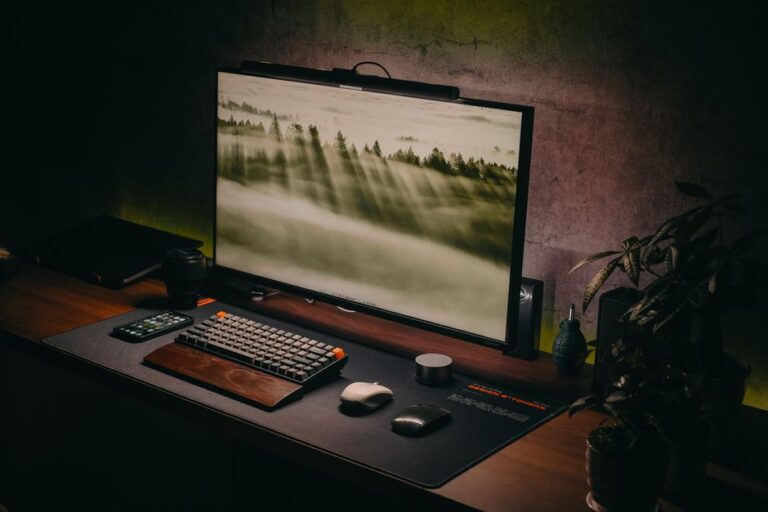
Your personal setup is more than just an investment; it is an essential component of your daily productivity and overall workflow. Taking the time to ensure that your devices and workspace function effectively not only prolongs their lifespan but also significantly enhances your productivity. This article delves into essential maintenance tips that will help you extend the life of your personal setup. By focusing on both routine cleaning and software management, you can create a more efficient workspace that meets your needs.
Routine Cleaning and Care for Your Devices
Keeping your devices clean is crucial for their longevity and optimal performance. Over time, dust and debris can accumulate, potentially leading to overheating and various functionality issues. Addressing these problems early can save you from costly repairs in the long run.
- Clean Regularly: Make it a habit to use microfiber cloths to gently clean the screens, keyboards, and all attached surfaces of your devices. A simple routine can significantly reduce the buildup of dirt and grime.
- Maintain Proper Ventilation: Devices, especially laptops and desktops, require adequate airflow to operate efficiently. Ensure that vents are unobstructed by furniture or other items.
- Dust-Free Environment: To minimize dust in your workspace, use air purifiers and vacuum regularly. These steps create a healthy environment not only for your devices but also for your own well-being.
Cleaning Electronics Safely
When cleaning electronics, safety is paramount to avoid damaging any sensitive components. Consider the following guidelines:
- Power Off Devices: Always turn off devices before initiating the cleaning process to ensure safety.
- Avoid Harsh Chemicals: Stick to alcohol-based solutions or cleaners specifically designed for electronics. Avoid bleach and other abrasive products that could damage surfaces.
- Be Gentle: Apply minimal pressure while cleaning, especially on screens, to avoid scratches or other irreversible damage.
Software Maintenance for Optimal Performance
Routine software updates and maintenance practices are essential for keeping your personal setup smooth and efficient. A secure and efficient software environment can prevent various issues that could disrupt your daily activities.
- Update Operating Systems: Always ensure that your devices are running the latest operating systems. These updates patch vulnerabilities and improve overall performance.
- Manage Storage Space: Regularly review your storage and delete unnecessary files or applications. A cluttered space can slow down your device significantly.
- Install Antivirus Software: Protect your devices from malware and viruses by using reputable antivirus solutions. Keeping this software updated is equally important.
Backing Up Data Regularly
Data loss can be catastrophic, and implementing a consistent backup routine is crucial for safeguarding your information. Here’s how you can make it manageable:
- Use Cloud Services: Store important files on trusted cloud platforms to ensure easy access and redundancy. This protects you from potential hardware failures.
- External Hard Drives: An external hard drive serves as an additional backup option, offering peace of mind if issues arise with cloud services.
- Automate Backups: Configure your devices to automatically back up data at regular intervals. This process alleviates the need for manual intervention and ensures you never forget.
Hardware Maintenance Practices
Beyond cleaning and software upkeep, diligent hardware maintenance is vital for the longevity of your personal setup. Regularly checking and addressing potential issues can prevent severe malfunctions.
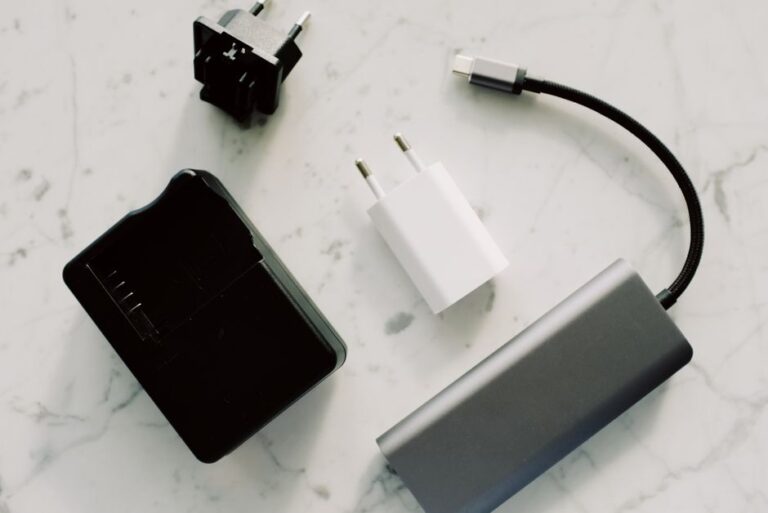
- Check Cables and Connections: Ensure that all cables are intact and connections secure. Loose cables can lead to intermittent problems or complete device failure.
- Cool Down Devices: After heavy use, allow your devices time to cool down. Overheating can lead to reduced performance or permanent damage.
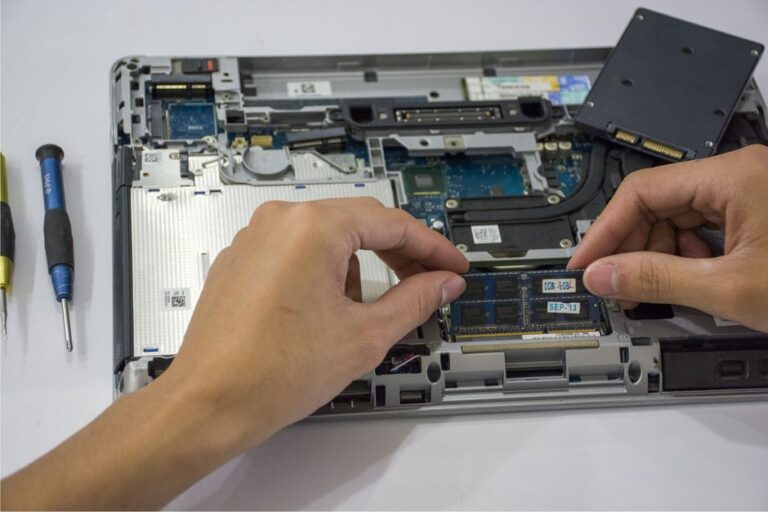
- Replace Aging Components: If certain parts like batteries or hard drives show signs of wear and tear, replacing them can prolong the life of your entire setup.
Utilizing Professional Services
For comprehensive maintenance, enlisting professional services may be worthwhile. Trained technicians can provide a level of care that many homemade solutions simply cannot match. They can offer:
- Deep Cleaning Services: Professionals can clean areas that are hard to reach, ensuring your devices function optimally.
- Diagnosis and Repair: Technicians can identify and resolve underlying issues that could go unnoticed through casual maintenance.
- Upgrades and Installations: Expert guidance on hardware upgrades can dramatically improve the performance of your setup, making it more efficient for your needs.
Frequently Asked Questions
How often should I clean my personal setup?
Cleaning your personal setup should be done at least once a month, with deeper cleaning sessions every few months to address more accumulated dust and grime.
What software maintenance tasks should I prioritize?
Focus on regularly updating your operating system, managing your storage space, and running antivirus scans. These tasks are crucial for optimal device performance.
How can I tell if my hardware needs maintenance?
Signs that your hardware may need maintenance include unusual noises, overheating, or frequent crashes. If you notice any of these symptoms, it may be time for a check-up.
What is the lifespan of common personal setup devices?
Most laptops and desktops can last between 3 to 7 years, while peripherals such as mice and keyboards can often last even longer with proper care and maintenance.
Is professional maintenance worth the cost?
Investing in professional maintenance can save you from costly repairs down the line and significantly extend the lifespan of your devices, making it a worthwhile expenditure.
Final Thoughts
Regular maintenance of your personal setup is necessary for its longevity and efficiency. By following the outlined tips on cleaning, software management, and hardware care, you create an environment that not only enhances productivity but also preserves your investment. Make personal care for your setup a priority, and you will reap the benefits for years to come.
If you’re ready to take your personal setup maintenance seriously, don’t hesitate to contact us for expert services tailored to your needs.