Essential Tools for Securing Your Personal Setup: A Comprehensive Guide to Digital Privacy

In an increasingly digital world, protecting your personal setup has become paramount. With our lives heavily intertwined with technology, securing our digital identity is crucial. This comprehensive guide provides you with essential tools and practices to enhance your digital privacy. Discover how to safeguard your information effectively and maintain secure online activities for both personal and professional purposes.
The first step in fortifying your personal setup is understanding the various digital privacy risks that exist. These risks can arise from numerous sources, encompassing a wide range of potential threats. Some of the most common risks include:
A personal firewall is an essential tool that acts as a barrier between your personal setup and potential threats from the internet. It functions by monitoring incoming and outgoing traffic, helping to filter out harmful connections to your devices. By implementing a reliable personal firewall, you can:
To further secure your personal setup, consider integrating the following essential tools into your digital arsenal:
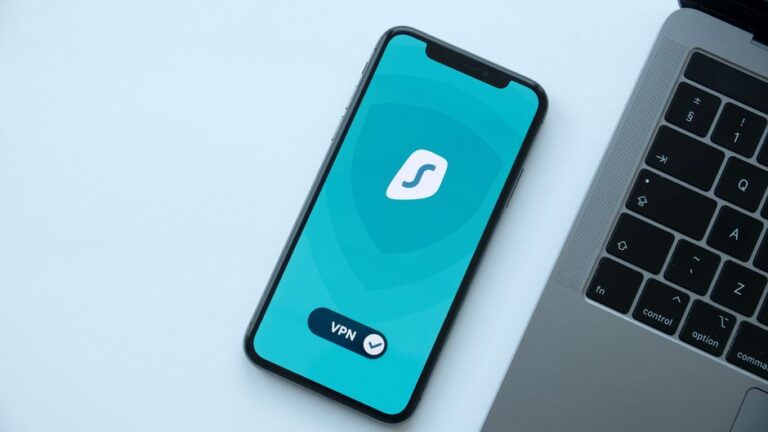
A VPN encrypts your internet connection, safeguarding your data from prying eyes, particularly useful when using public Wi-Fi networks. By masking your IP address, it allows you to browse the internet anonymously, minimizing the risk of data interception.
Password managers securely store and generate complex passwords for your accounts. They help you avoid the common pitfall of reusing passwords across multiple sites. Instead, you can create strong passwords unique to each account, significantly enhancing your security posture.
Investing in quality antivirus software is crucial for detecting and eliminating threats. It continuously scans your system for malicious activity, providing real-time protection against malware, ransomware, and other malicious attacks.
2FA adds an extra layer of security to your online accounts by requiring two forms of identification before granting access. This could be a combination of something you know, such as a password, and something you have, like a mobile device. Implementing this security measure significantly reduces the likelihood of unauthorized access.
In addition to utilizing essential tools, maintaining digital privacy requires adhering to best practices:
Your personal setup includes mobile devices, often overlooked when discussing digital privacy. Protecting your smartphone or tablet is just as critical. Ensure you:
A VPN encrypts your internet connection, providing anonymity and safeguarding your data from potential threats, especially on public networks. This means that even if you use a shared Wi-Fi connection, your data remains secure.
Software should be updated regularly, ideally as soon as new updates are released. Many updates address security vulnerabilities, making timely installation essential to protect your personal information.
Yes, utilizing biometric verification—such as fingerprint or facial recognition—adds an extra layer of security beyond traditional passwords. This method is harder for potential intruders to bypass, enhancing the safety of your accounts.
A strong password typically contains a mix of uppercase and lowercase letters, numbers, and special characters, and is at least 12 characters long. The inclusion of random words or phrases can also create a more robust password.
Public Wi-Fi is inherently risky, as it exposes your connection to potential interceptions. It is highly recommended to use a VPN when connecting to these networks to ensure your data remains encrypted and your information secure.
In conclusion, prioritizing your digital privacy is indispensable in today’s technology-driven environment. Implementing necessary tools while adopting best practices will significantly fortify your personal setup against cyber threats. Take action now to enhance your digital security and protect your valuable information.
Ready to take your digital security to the next level? Explore the tools and practices outlined in this guide and start protecting your personal setup today!