Essential Tools for Securing Your Personal Setup: A Comprehensive Guide to Digital Privacy

In today’s digital landscape, ensuring online safety through privacy-first browsing setups is paramount. The influx of data breaches and surveillance practices has led users to seek approaches that prioritize personal information. With the increasing importance of online privacy, users must adopt strategies tailored to their unique needs and contexts. This article elaborates on implementing effective privacy-first browsing setups to help users navigate the internet securely and confidently.
To establish a robust privacy-first browsing setup, users should consider the following components:
Selecting a secure browser is a critical step in completing your privacy-first setup. Browsers like Brave and Firefox not only offer comprehensive privacy features but also allow users to enhance their browsing experience. For example, Brave blocks a wide range of trackers by default, ensuring that your browsing habits remain confidential without needing extensive configurations. On the other hand, Firefox allows customization through various privacy-focused add-ons, giving users control over their data while maintaining flexibility in browsing options.
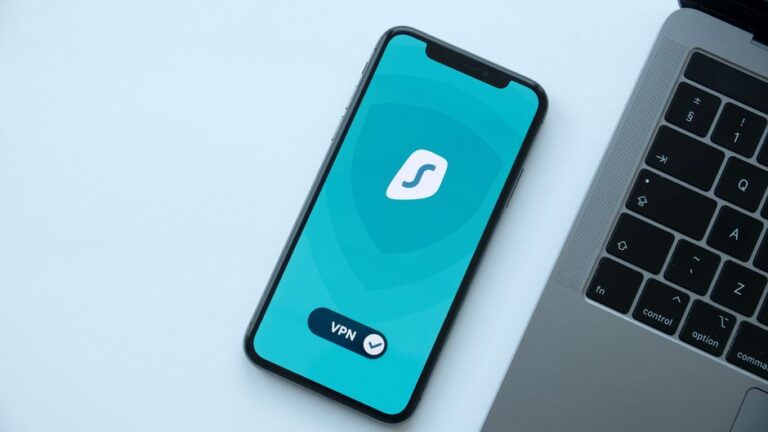
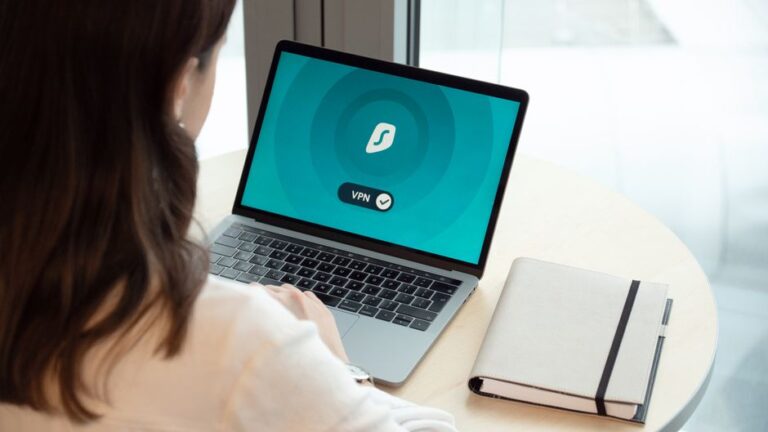
A Virtual Private Network (VPN) encrypts your internet connection and conceals your IP address, making it challenging for third parties to track your online behavior. Selecting a reputable VPN service known for its no-logs policy is crucial, as this ensures that your browsing history remains private and is not recorded. For instance, when accessing sensitive accounts, the use of a VPN not only protects your data but also enhances your overall online anonymity.
Implementing a privacy-first browsing setup requires continuous management of your online privacy. Below are actionable strategies to enhance your online safety:
Maintaining the latest versions of your browsers and security extensions is essential. As vulnerabilities are discovered, developers frequently release updates to address security issues. By keeping software updated, you significantly reduce the risk of exploitation, thereby ensuring that your personal information is continuously protected.
Using a reputable VPN is especially important when connecting to public Wi-Fi networks. These networks are often insecure and can leave users vulnerable to data interception. For instance, when connecting to a public café’s Wi-Fi without a VPN, hackers might exploit the unsecured network to capture sensitive information. In contrast, a reliable VPN will encrypt your data, effectively shielding your online activities from prying eyes.
Implementing a privacy-first browsing setup goes beyond using the right tools; it is about cultivating a mindset that prioritizes online security. By taking proactive steps and adopting effective strategies, users can navigate the digital world with greater confidence and assurance. Continuous vigilance, education about privacy practices, and ongoing adaptation to new threats can lead to a significantly safer online experience for everyone.
A privacy-focused browser is designed to prioritize user privacy by minimizing data tracking and offering strong security features. Examples include Brave and Firefox, which have built-in mechanisms to protect user data.
A VPN encrypts your internet connection, making it incredibly difficult for anyone to track your online activities or access your personal information, thereby enhancing your overall online privacy.
Yes, ad blockers effectively prevent tracking cookies and ads from following you across the web, which significantly enhances your privacy while browsing and ensures a smoother experience.
While private browsing modes limit local tracking by not saving your browsing history, they do not prevent websites or ISPs from tracking you. Using additional tools like a VPN and ad blockers is recommended for heightened privacy.
Two-factor authentication adds an extra layer of security by requiring not only a password but also a second form of verification. This dual-step process significantly helps protect your accounts from unauthorized access.