In the modern work environment, maximizing your setup can significantly boost productivity and comfort. This article discusses seven essential gadgets that can transform your home office into an efficient workspace. By thoughtfully incorporating these tools, you can enhance your focus, streamline your tasks, and create an atmosphere that fosters creativity and efficiency.
The Importance of a Comfortable Workspace
Creating a comfortable workspace is vital for maintaining productivity. A well-organized and ergonomically designed environment minimizes distractions and supports a healthier work-life balance. Consider the following reasons why investing in your home office setup pays off:
- Increased Comfort: Proper seating and equipment reduce physical strain, allowing you to work for extended periods without discomfort.
- Boosted Morale: An aesthetically pleasing setup can significantly enhance your mood and motivation, leading to a more enjoyable work experience.
- Improved Focus: By minimizing distractions such as background noise and clutter, you can achieve higher levels of concentration, leading to better performance.
- Enhanced Productivity: A conducive workspace can lead to increased efficiency, allowing you to accomplish more tasks in less time.
1. Ergonomic Office Chair
An ergonomic office chair is a non-negotiable addition to your home office setup. These chairs are meticulously designed to offer optimal back support during long hours of work. When selecting an ergonomic chair, consider the following features:
- Adjustable Height: This feature ensures that your feet are flat on the ground, promoting better posture.
- Lumbar Support: Adequate lumbar support keeps your spine aligned, minimizing the risk of back pain.
- Reclining Backrest: A reclining option allows you to shift positions comfortably, reducing fatigue during intensive work sessions.
- Quality Material: The fabric should be breathable and durable, contributing to overall comfort.
2. High-Quality Monitor
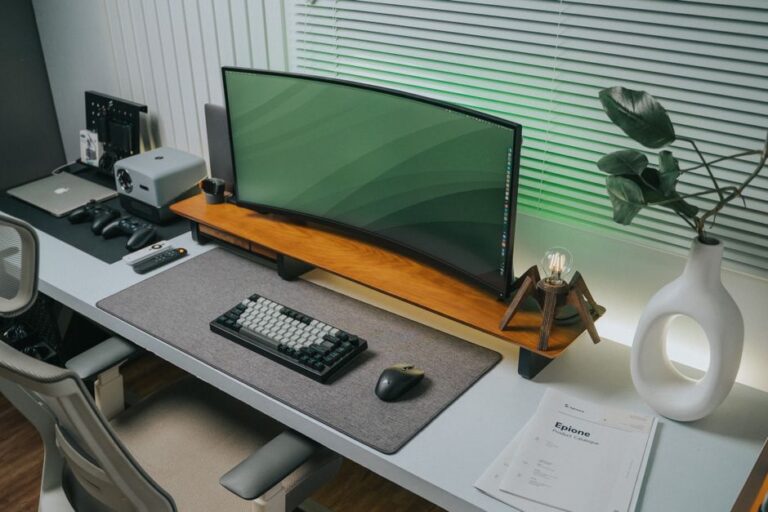
A high-quality monitor can drastically improve your viewing experience and reduce eye strain significantly. When investing in a monitor, look for these important characteristics:
- Resolution: A minimum of 1080p is recommended for clarity, allowing you to view details with precision.
- Screen Size: Larger screens enhance multitasking capabilities, letting you work on multiple projects simultaneously.
- Blue Light Filter: This feature reduces eye fatigue during extended use, making it essential for anyone spending long hours in front of a screen.
- Adjustable Stand: Make sure the monitor stand allows for height and angle adjustments for optimal positioning.
3. Noise-Cancelling Headphones
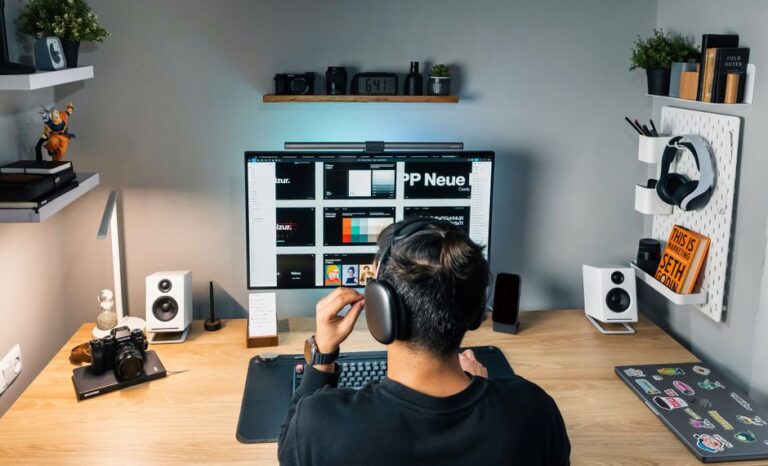
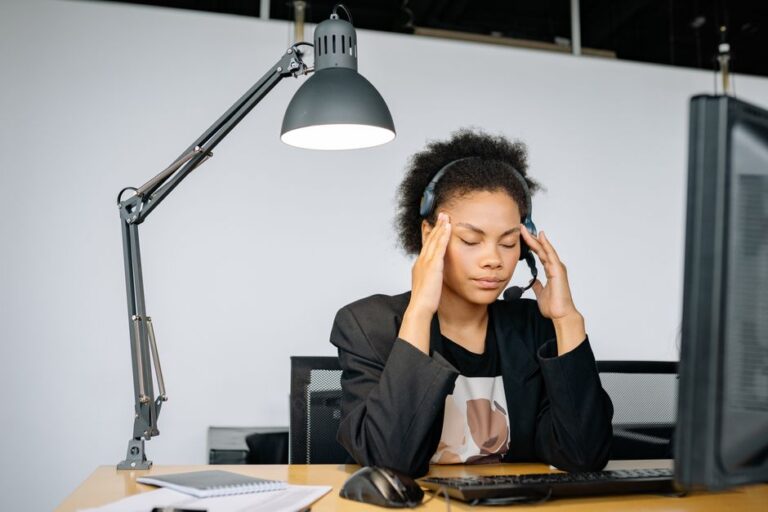
To create a distraction-free environment, noise-cancelling headphones are indispensable. They help you focus by blocking out background noise and distractions. When selecting headphones, consider:
- Comfort: Ensure that the headphones are comfortable for extended wear, as this promotes long-term use.
- Battery Life: Longer battery life allows for uninterrupted work sessions, essential for those with demanding schedules.
- Sound Quality: High-quality sound can greatly enhance your experience while listening to music or participating in virtual meetings.
- Active vs. Passive Noise Cancellation: Understanding the difference can help you choose the right type based on your environment.
4. Adjustable Standing Desk
An adjustable standing desk can promote better posture and reduce health risks associated with prolonged sitting. This type of desk allows you to alternate between sitting and standing positions. Key features to look for include:
- Height Adjustment: Easy adjustments enable seamless transitions between sitting and standing.
- Stability: A stable design ensures that the desk remains sturdy during use, preventing any wobbling.
- Surface Area: Ample space is crucial for accommodating all your equipment, such as monitors, laptops, and stationery.
- Built-in Cable Management: Some desks offer integrated solutions for organizing cords, keeping your workspace tidy.
5. Smart Lighting Solutions
Good lighting is crucial for maintaining focus and reducing eye strain. Smart lighting can be adjusted to fit your working conditions and personal preferences. When seeking smart lighting solutions, look for:
- Adjustability: The ability to change brightness and color temperature helps create an optimal work environment.
- Remote Control: The convenience of adjusting settings without getting up allows for flexibility throughout your workday.
- Energy Efficiency: LED options consume less power while providing adequate illumination, reducing your electricity bills.
- Smart Integration: Compatibility with smart home systems can enhance ease of use and control.
6. Effective Cable Management Tools
A clutter-free workspace enhances efficiency, making it easier to focus on your tasks. Cable management tools help organize your cords and maintain a tidy appearance. Useful tools include:
- Cable Clips: These keep cords secured and out of sight, preventing tangles and confusion.
- Cable Sleeves: Bundling multiple cables together improves aesthetics and makes it easier to locate specific cords.
- Under-Desk Trays: Hiding power strips and excess cords beneath your desk creates a cleaner look that enhances your workspace.
- Cable Labels: Labeling cords can save time and confusion when disconnecting or reconnecting devices.
7. Digital Collaboration Tools
In today’s remote working environment, digital collaboration tools are essential for effective teamwork and communication. These platforms enable seamless project management and communication among team members. Look for features such as:
- File Sharing: Easy sharing of documents and resources helps streamline collaboration.
- Video Conferencing: Hosting virtual meetings efficiently is crucial for maintaining communication with remote colleagues.
- Integration Capabilities: Support for other tools and applications helps centralize workflows and improve efficiency.
- Real-Time Collaboration: Tools that allow multiple users to work on documents simultaneously can enhance teamwork.
Frequently Asked Questions
1. How do I choose the right ergonomic chair?
Consider important factors such as lumbar support, adjustable features, and comfort level to find the ideal seat for your needs.
2. What is the importance of a high-quality monitor?
A high-quality monitor reduces eye strain and enhances productivity by improving visibility and clarity.
3. Are standing desks worth the investment?
Yes, standing desks promote better posture and encourage movement, which can significantly improve overall health and well-being.
4. How can I manage cables effectively?
Utilize cable clips, sleeves, and trays to keep your workspace organized, ensuring easy access to all your devices.
5. What digital tools are best for remote collaboration?
Look for tools that offer file sharing, video conferencing, and robust integration with other software to enhance your team’s productivity.
Conclusion
Investing in a personal setup that incorporates the right gadgets can significantly enhance your home office environment, leading to greater productivity and comfort. By carefully selecting ergonomic chairs, high-quality monitors, noise-cancelling headphones, adjustable desks, smart lighting, effective cable management tools, and digital collaboration platforms, you can create a workspace that not only meets your professional needs but also fosters your overall well-being.
If you’re ready to elevate your home office setup, start exploring these essential tools today. Your productivity and comfort will thank you!